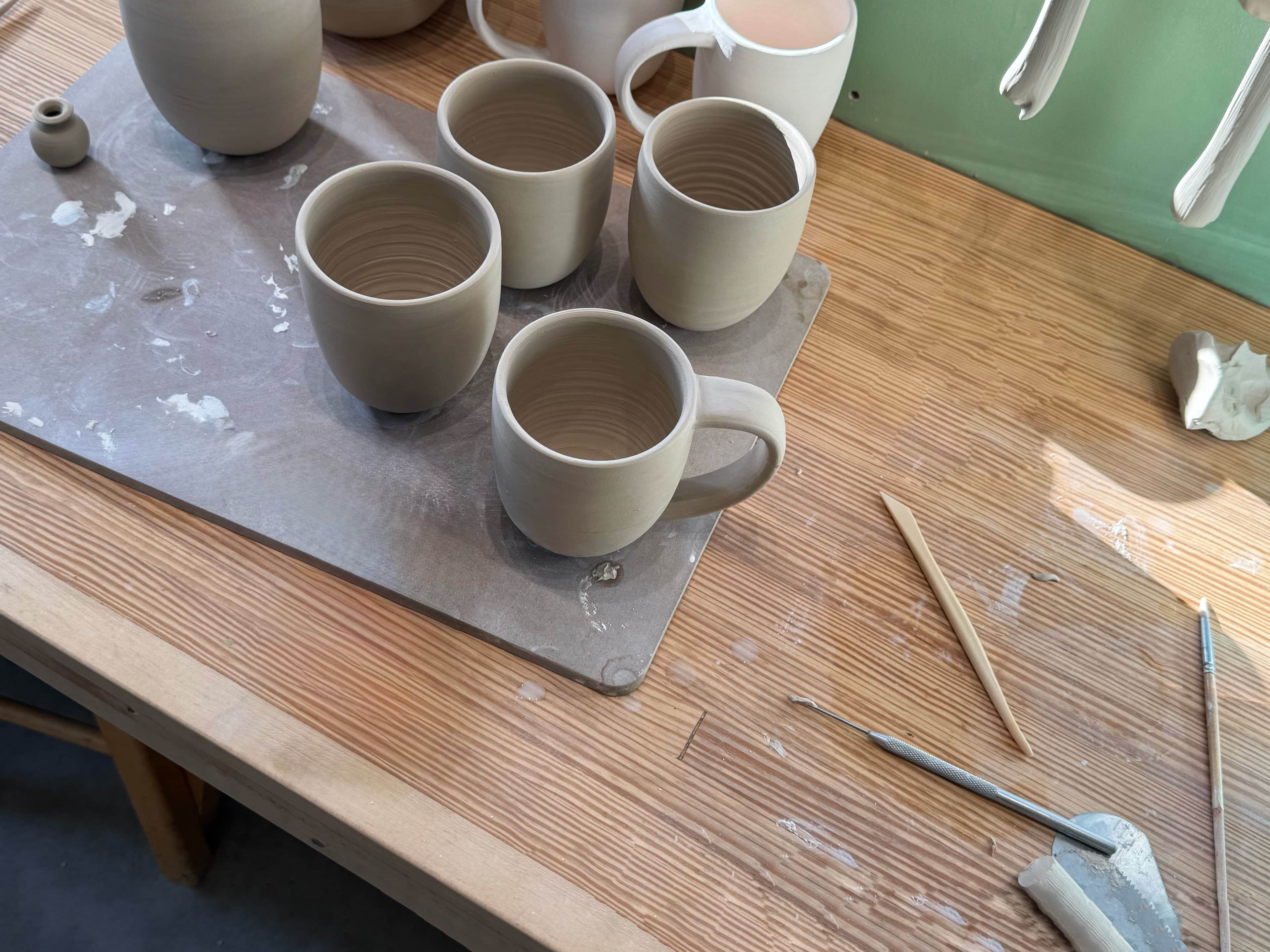

Streamlined for more clay time
Tools designed by clay people to improve your workflow and documentation to help your work grow.
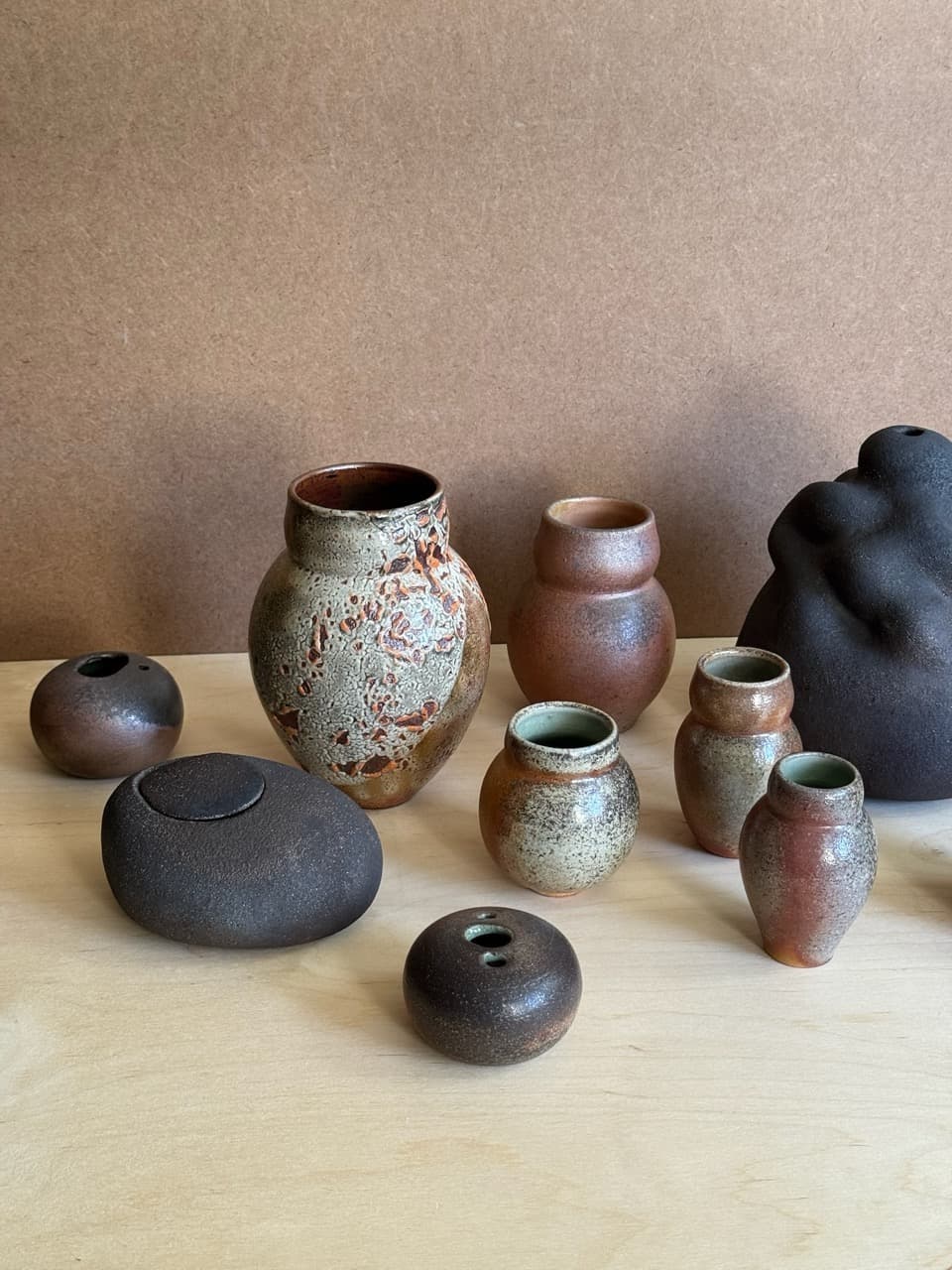

Stage Tracking
Track every stage of every piece, from wet clay to completion. Record dates, locations, and notes to build a complete making history.

Moodboards
Collect and organize inspiration with images, notes, and web links. Keep ideas, references, and research together to plan your next pieces.
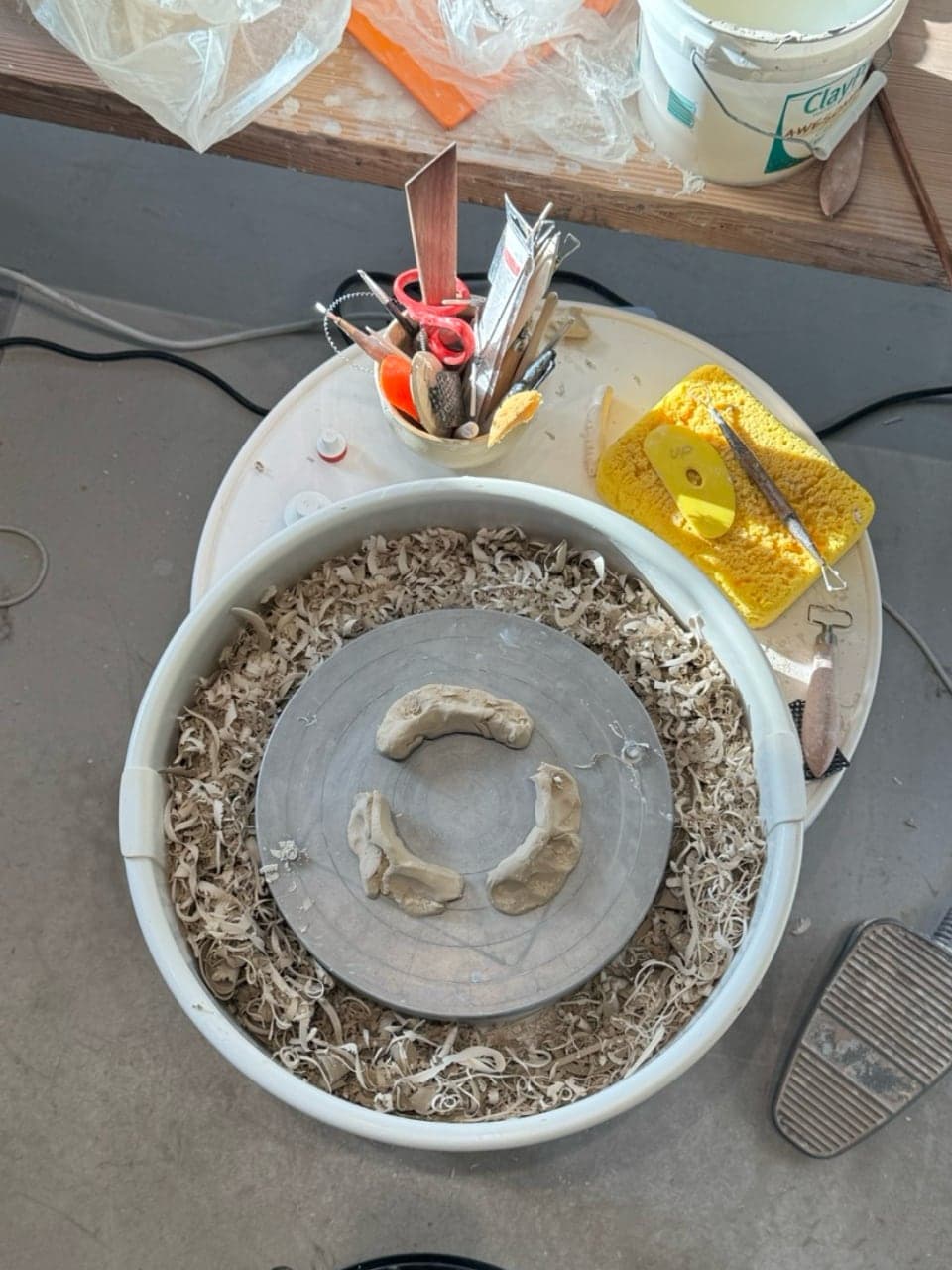
Flexible Configuration
Personalize your workflow with custom stages, forms, clay bodies, finishes, locations, and tags that match the way you make.
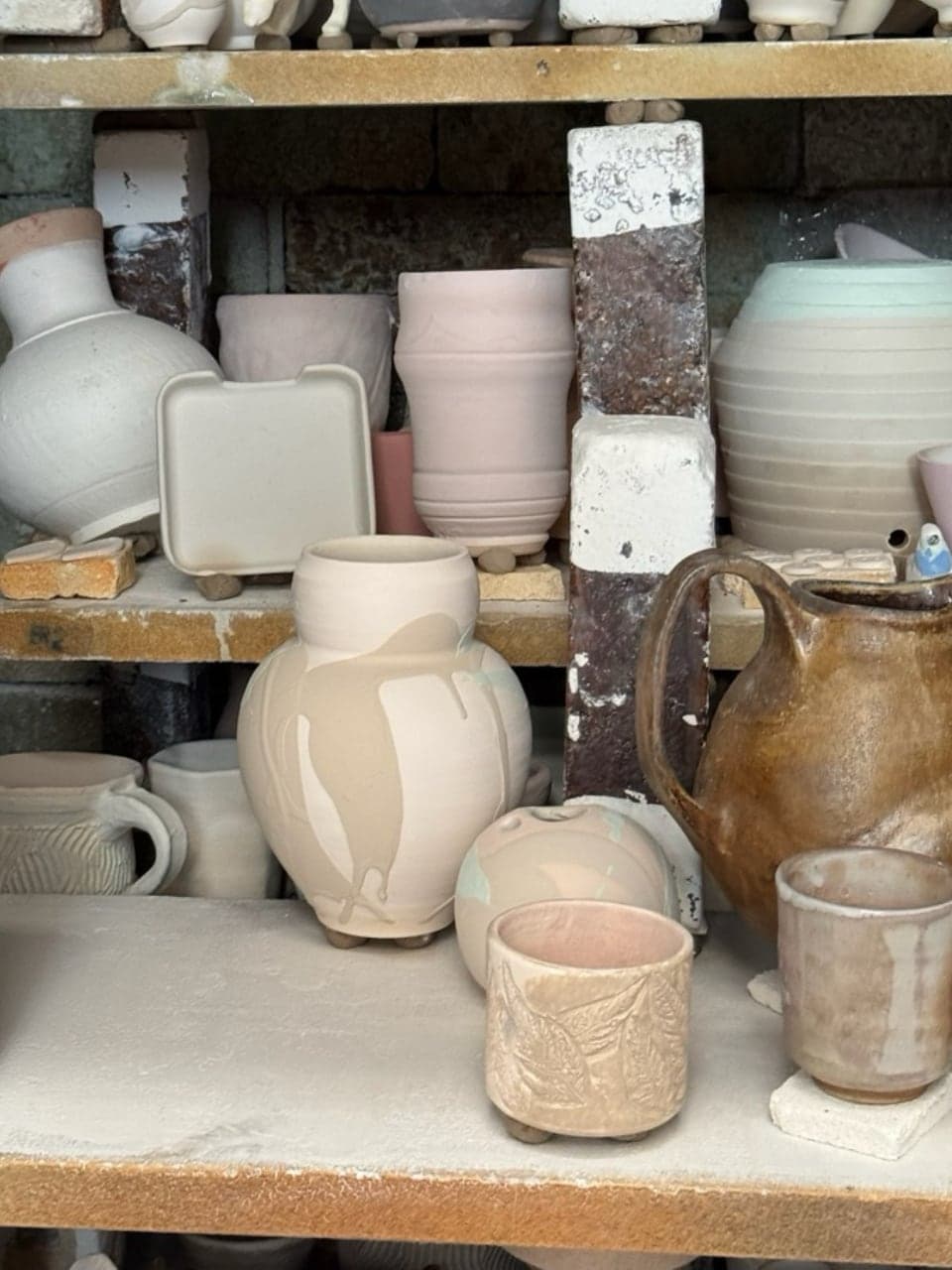
Shrinkage Calculator
Estimate unfired or fired dimensions using the shrink rate of the clay body.
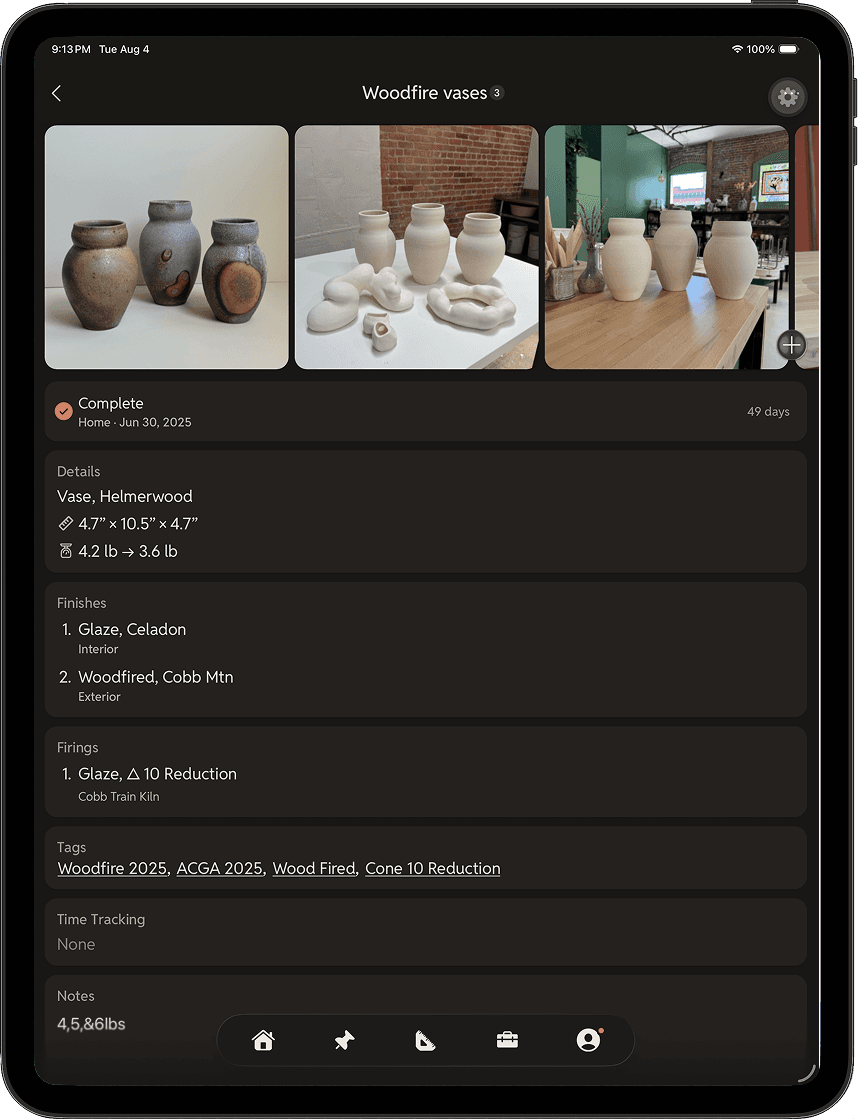
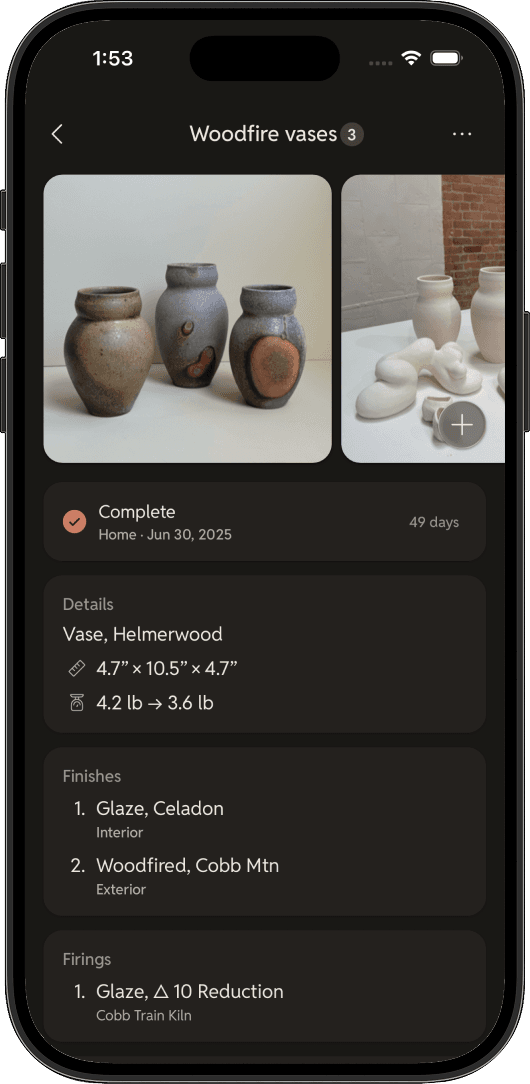
Cloud Sync
Sign in with Apple or Google to access your work across all your devices.
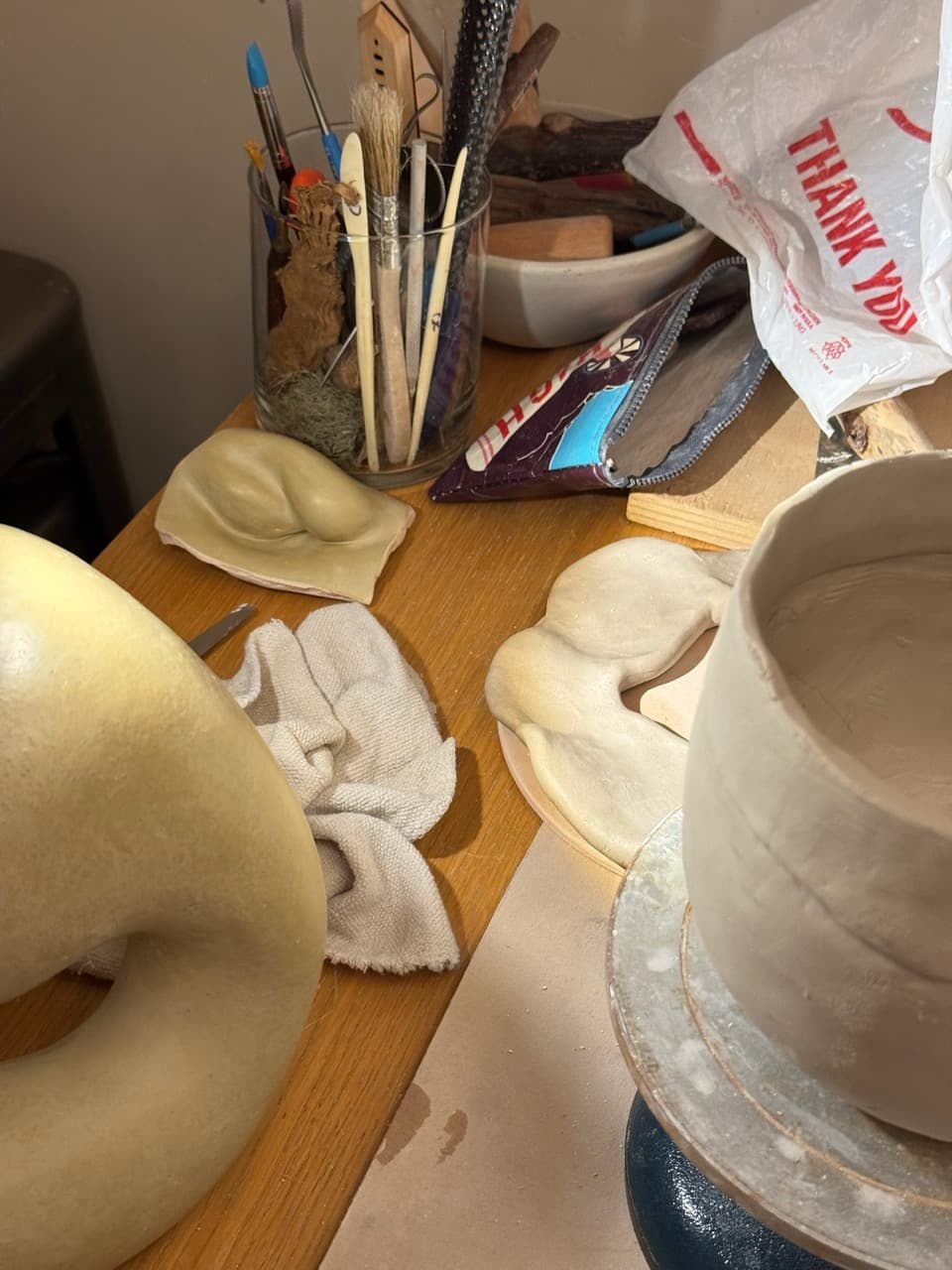
Image Cropping
Easily crop images to emphasize details or individual pieces. Includes controls for rotation, scale, and aspect ratio.
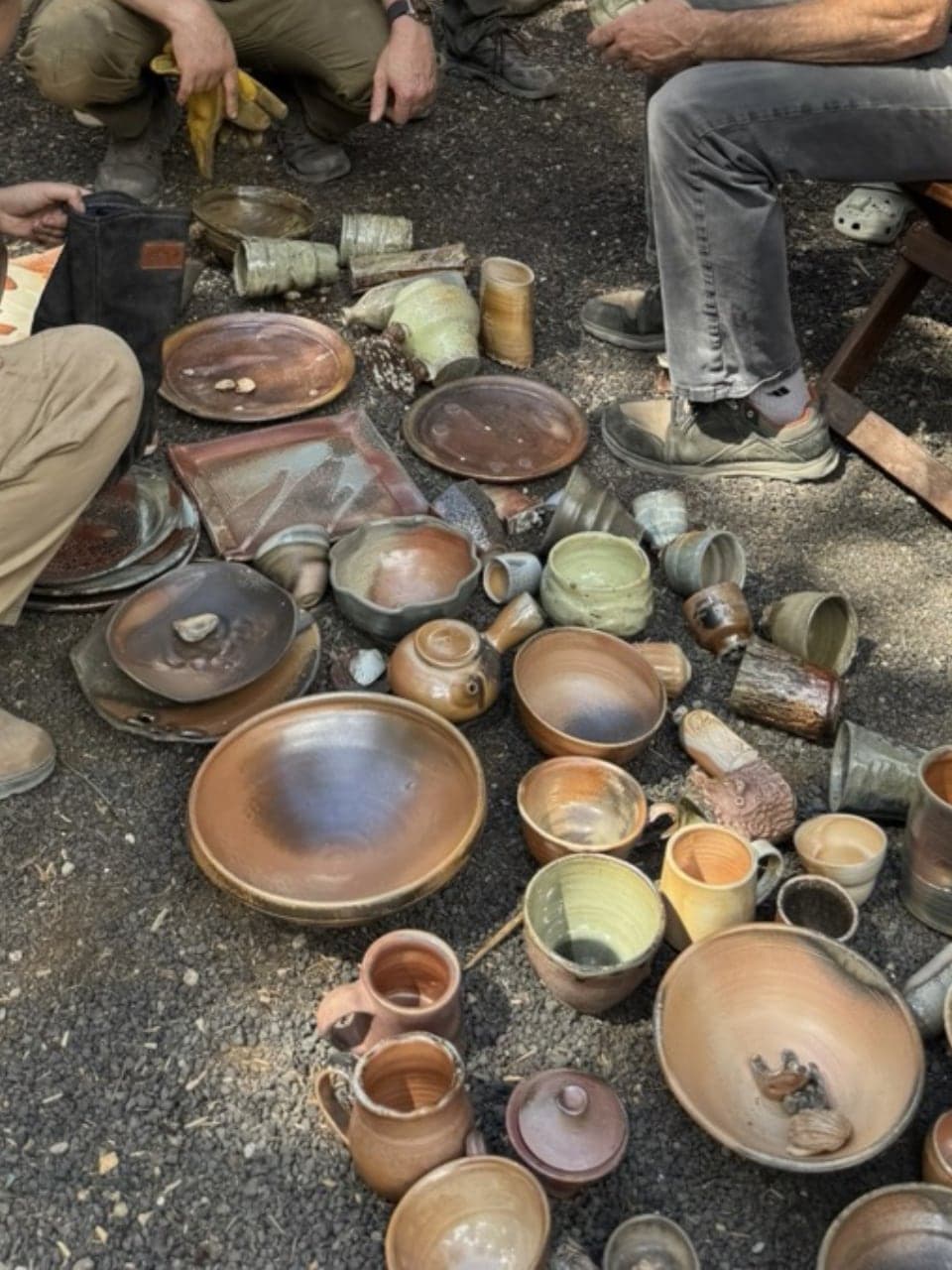
Powerful Search
Find any piece by name, tag, clay body, stage, and more. Pull down on the home screen for instant access.
Pro upgrade for serious makers.
Advanced tools to manage your firings, production costs, selling your work, and insights into your making.
Selling Your Work Just Got Easier
Market and studio sales can be overwhelming with inventory, payment methods, checkouts, and tracking purchases. Sales in ClayMade simplifies all of that and more.
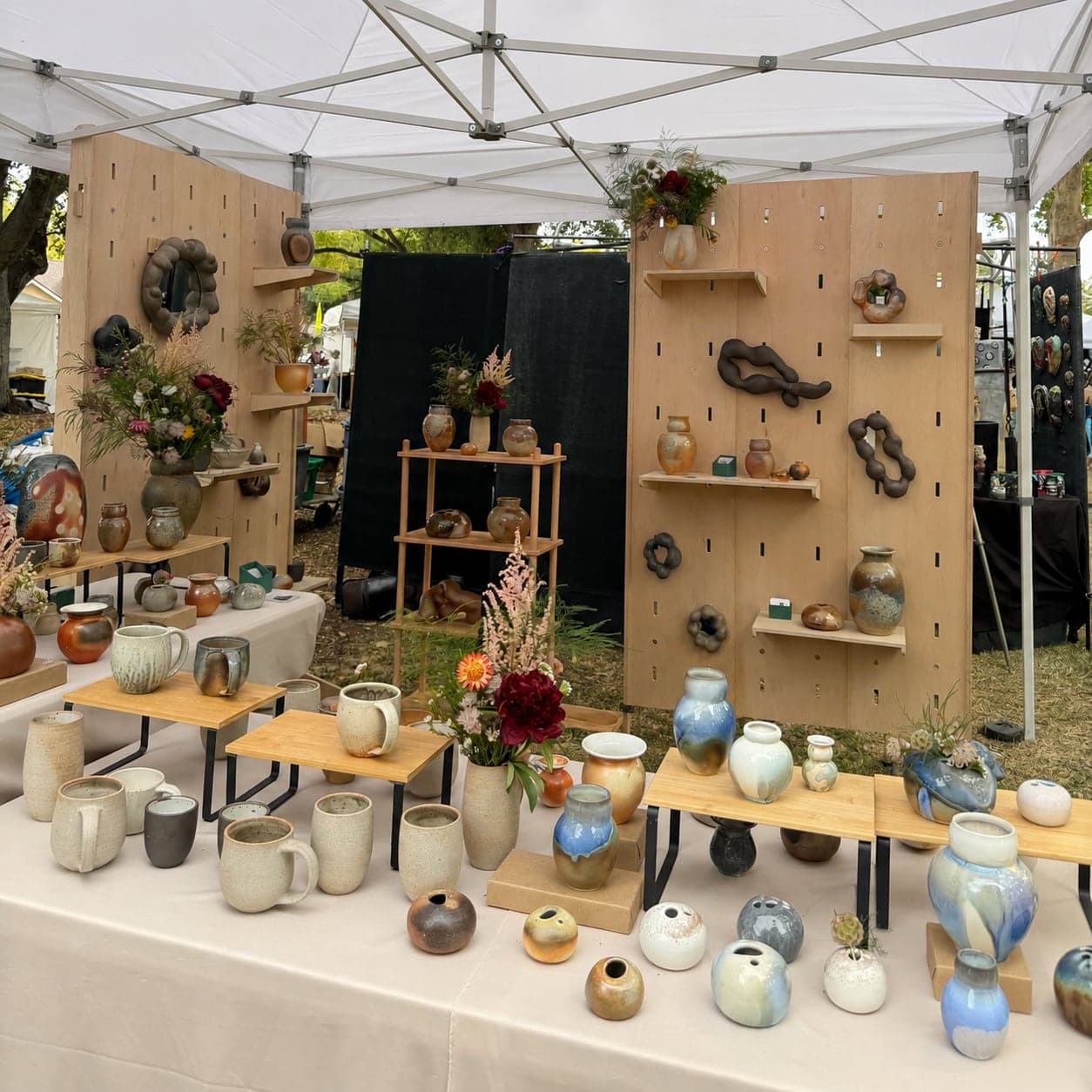
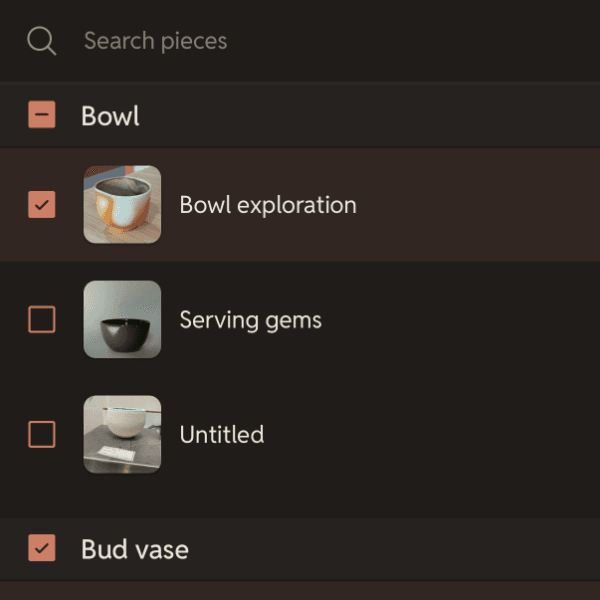
Quickly include completed pieces for sale from your making workflow or in bulk from the Sales page.
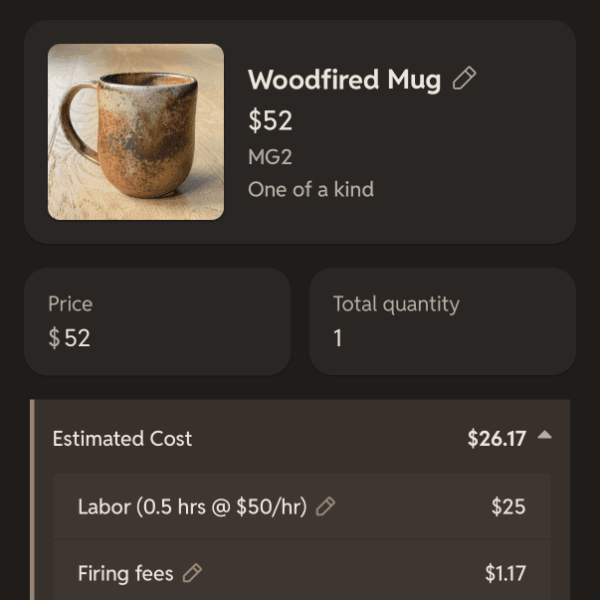
Easily manage your product inventory, use cost estimates to help price your work, and include quantity, SKU, and descriptions as needed.
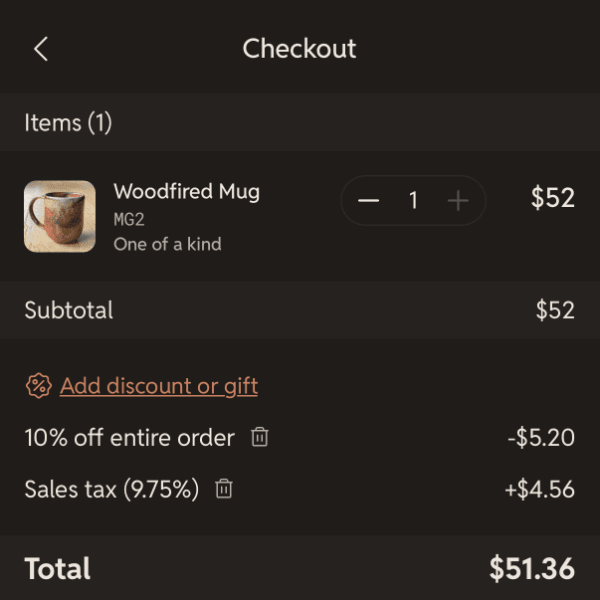
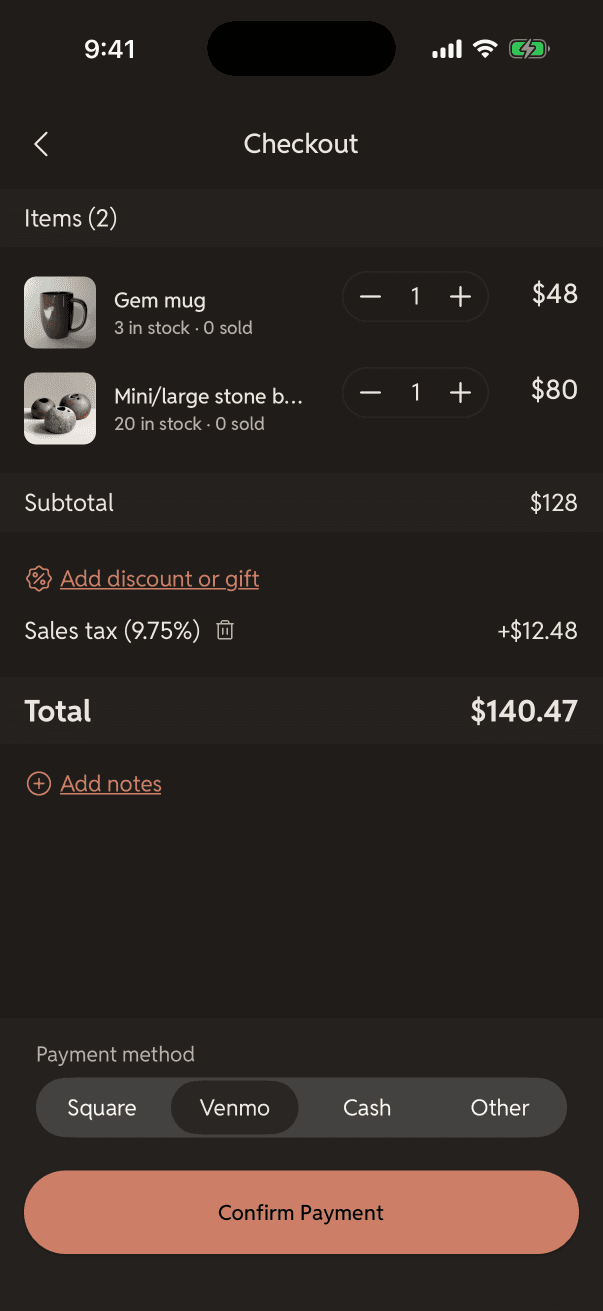
After selecting the customer's items, adjust quantities, apply discounts, gifts, and sales tax.
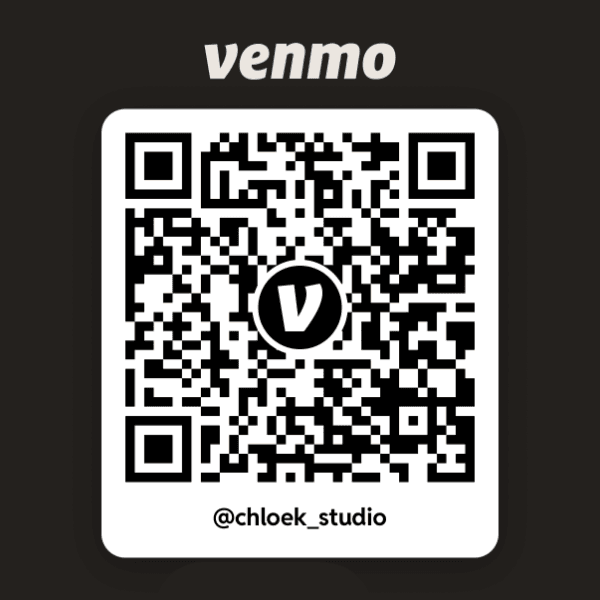
Hand off payments to Square or Venmo with the pre-filled total and notes ready to go. Cash and other methods are also supported.
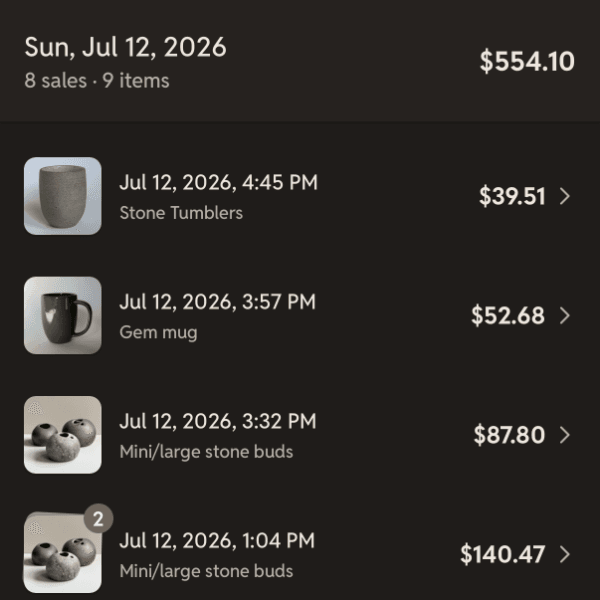
Browse your transaction history to see exactly what you earned per day. Manage refunds and adjustments as needed.
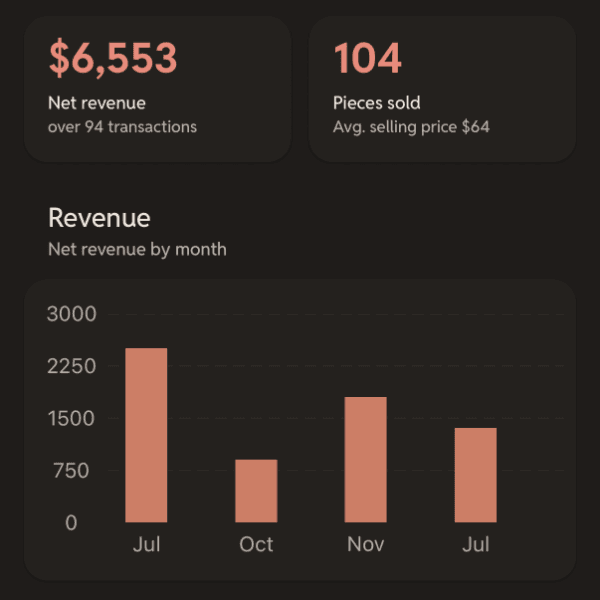
Get a snapshot of your total sales, review revenue and inventory sold, and see best selling trends to help you plan your next sale.








More ways to help you stay organized.
Cloud Sync
Sync your work across all your devices.
Piece Quantity
Track multiples of a single piece.
Piece Finishes
Surface treatments, application, areas, and notes for each layer.
Piece Firings
Kiln firing details including type, cone, atmosphere, and notes.
Clay & Finished Weight
Record both starting clay weight and finished weight.
Tags
Organize pieces into custom collections for easy browsing and filtering.
Archive
Keep focus on active work by archiving older or completed pieces.
Time Tracker
Log time spent per piece to help understand your effort and efficiency.
Rich Notes
Organize piece notes using headings, checklists, lists, and links.
Checklists
Help track what needs to be done for your pieces right from your notes.
Data Backups
Back up and restore your work instantly any time you need to.
Shrinkage Calculator
Estimate unfired or fired dimensions using the shrink rate of the clay body.
Flexible Sorting
Sort by recently used, most used, or name across forms, clay bodies, tags, and more.
Trash
Deleted pieces go to Trash first, so nothing is lost by accident.
Duplicate pieces
Quickly make copies as a starting point or part of a collection.
Flexible Units
Set length (in, cm, mm) and weight units (lb, kg, oz) independently.
New Piece Workflow
Customize the steps when adding pieces that fit your process.
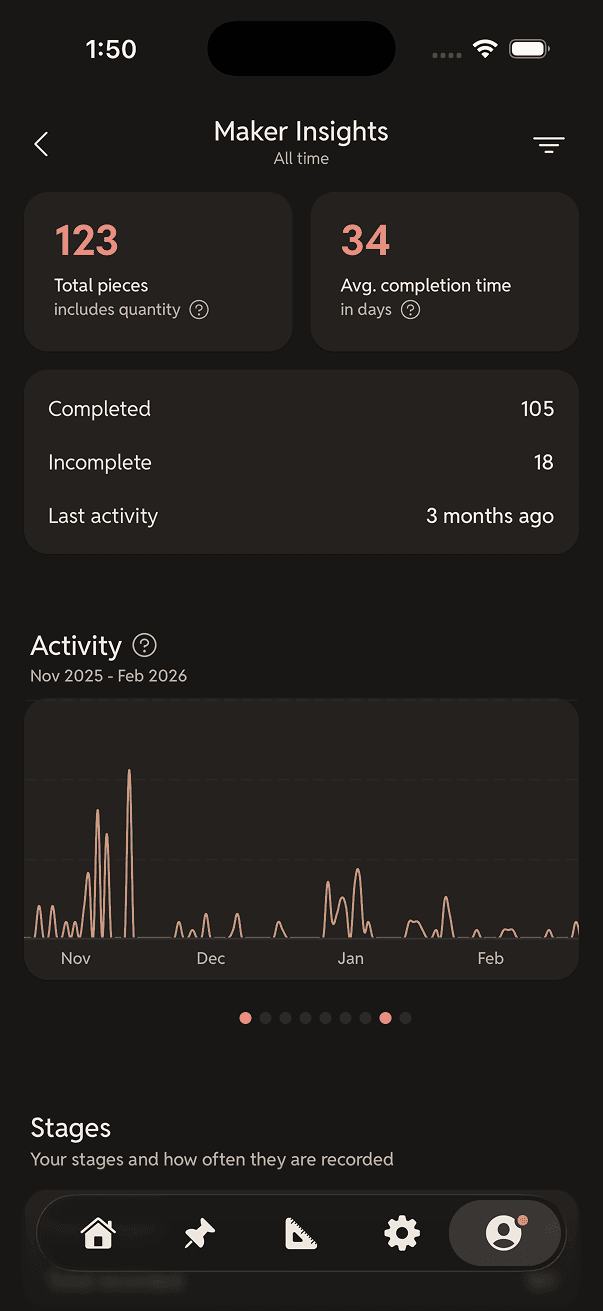
Maker Insights
A personal dashboard showing your making trends, habits, and output over time.
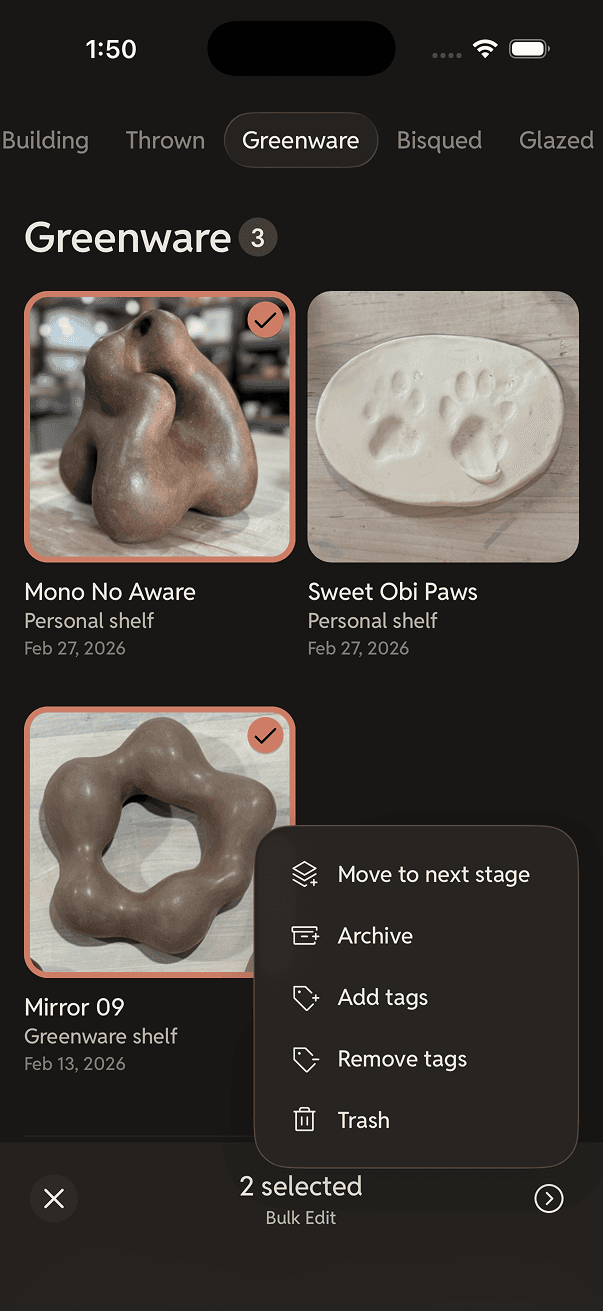
Bulk Editing
Long-press to select multiple pieces and apply actions all at once.
Firing Services
Add your studio firing pricing to estimate firing fees on each piece.
Sales
Seamlessly move pieces to the sales flow with pricing, inventory, and checkout.
Sales Insights
Understand what sells and uncover trends in your sales.
Line Sheets
Present your work for shops, galleries, and wholesale buyers.
Cost Estimation
Estimate production costs for every piece — clay, firing, and labor — to better inform your pricing.
Reviews
Discover why ceramicists love using ClayMade.
“Aside from helping me keep projects in order, this app is fun to use!”
“Clean and slick annnd I can configure how the app works for me.”
“Tracking work can be such a pain, but I WANT to use this app.”
“I love how easy it is to keep track of the projects I'm working on.”
“Love it! It’s really improved my workflow. I’ve been directing lots of people to it in the studio.”
“All in one place to manage; simplistic features that don’t require me to click more than necessary.”
“The level of detailed automation in ClayMade is such a timesaver.”
“Great way to organize pottery projects, and super helpful and responsive customer support!”
“Easy to track all my pieces over time. Clean interface, intuitive, solid. Haven’t looked back since I downloaded.”
Frequently asked questions
If you have anything else you want to ask, reach out to us.
How do I find out about new app updates?
Every update is listed in the release notes, with the new features, improvements, and fixes that came with it. You can look back through older versions there too.
Can I import my data from another app?
It depends on the app, but we've successfully migrated data from two other popular ceramics apps into ClayMade. Contact our support to see if we can help.
Will ClayMade work on my device?
ClayMade is available on the App Store for iPhone/iPad (iOS 16.4 or later) and on Google Play for Android phones/tablets.
Can I request new features?
Certainly! We love hearing from our users and are always looking for ways to improve the app. You can use our feedback form or send us an email with your suggestions.
What will happen to my data if I cancel my Pro plan subscription?
Nothing is deleted. You move to the free Starter plan and keep access to all of your pieces, moodboards, and sales transactions. Adding is capped at the Starter limits of 100 pieces and 3 moodboards, and the Pro sales features stay locked until you re-subscribe.
How do I report an issue with the app?
Send us an email and tell us what happened and which device you're on. We'll investigate and get back to you as soon as we can.
Recent posts
Follow @claymade.app on Instagram for latest news and updates.


